Module 2 Formstorming

Weekly Activity Template

Ruqaiyah Naqvi


Project 2


Module 2

Activity 1, sounds around me.

Activity 1
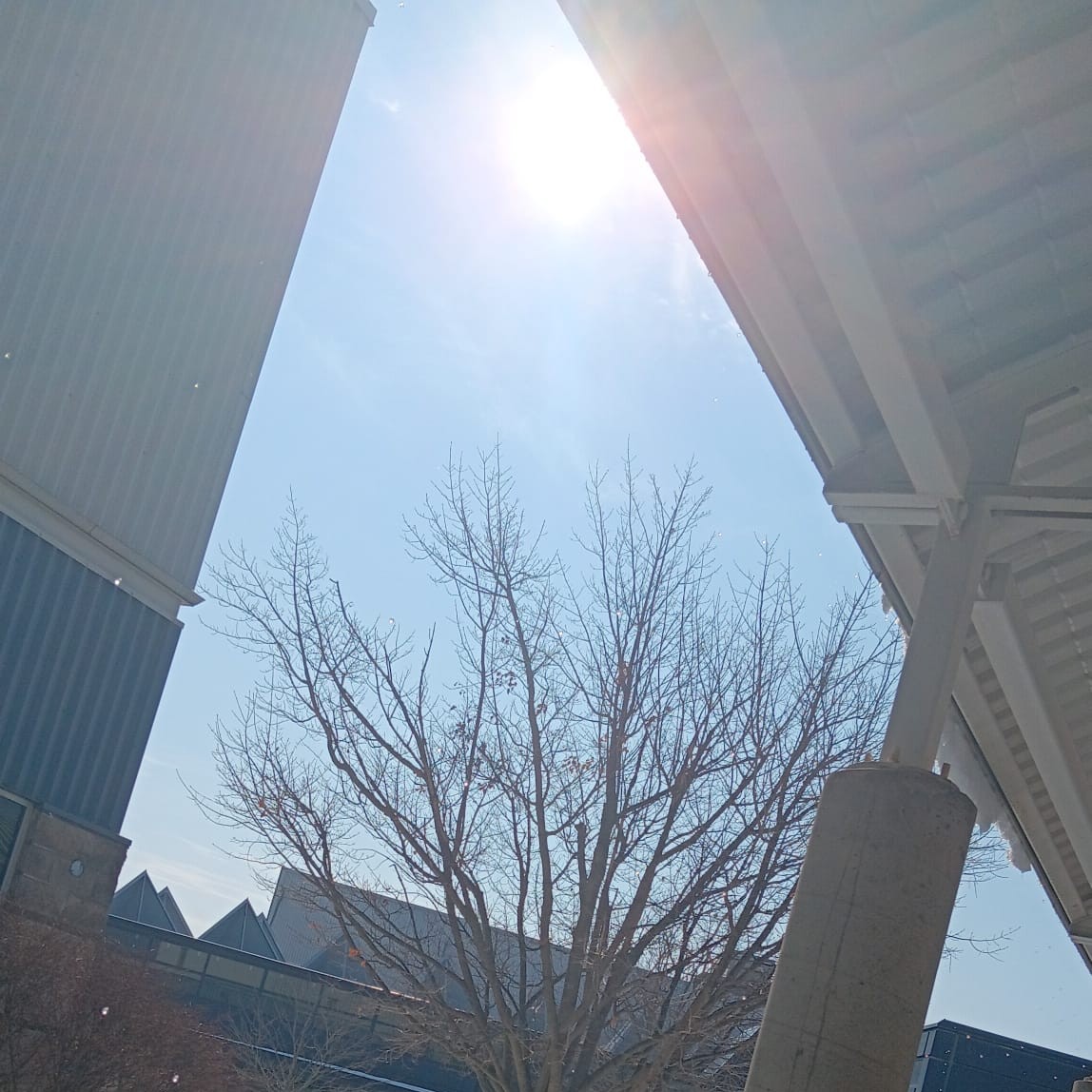
Sunny Day / Melting Snow on Roof:
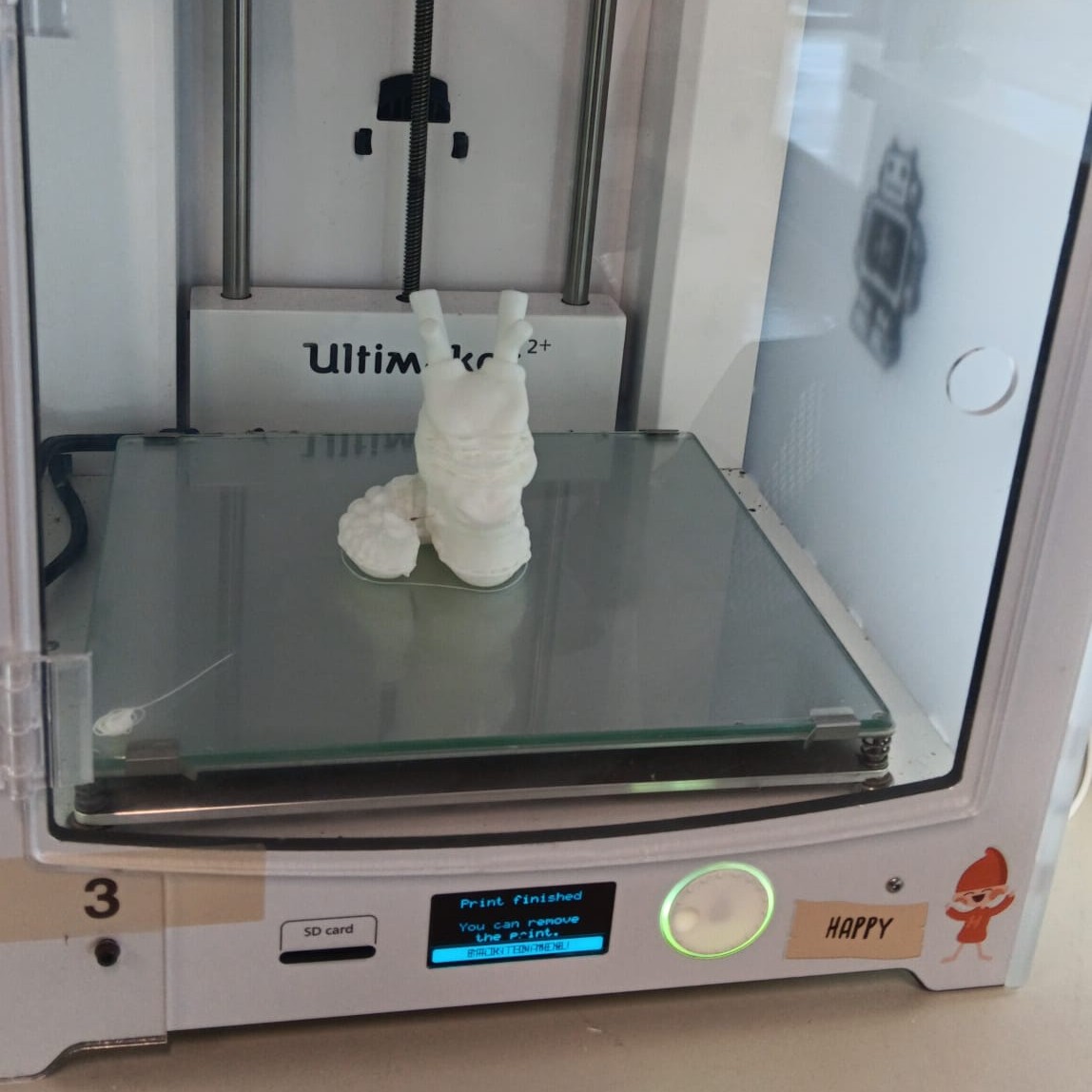
Water dripped steadily from the roof as the snow melted in the sun. The sound created a soft, irregular tapping rhythm. 3D Printer Malfunction:
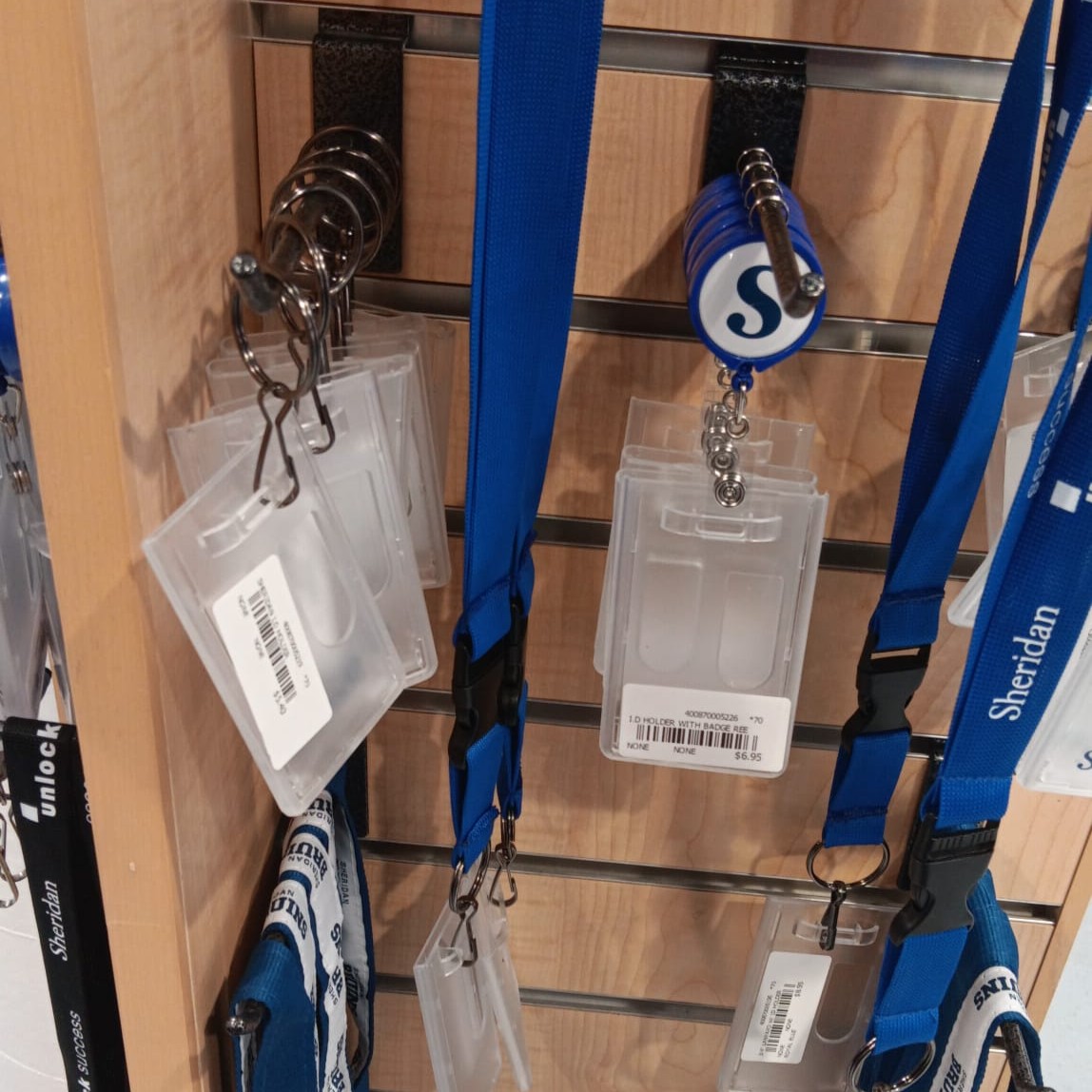
The printer shifted from a steady hum to uneven scraping and clicking sounds. The irregular rhythm broke the expected mechanical pattern. Sheridan Keychains (ID Holders):
The plastic keychains clicked lightly against each other when moved. The attached rings created small metallic tapping sounds. The Vent:
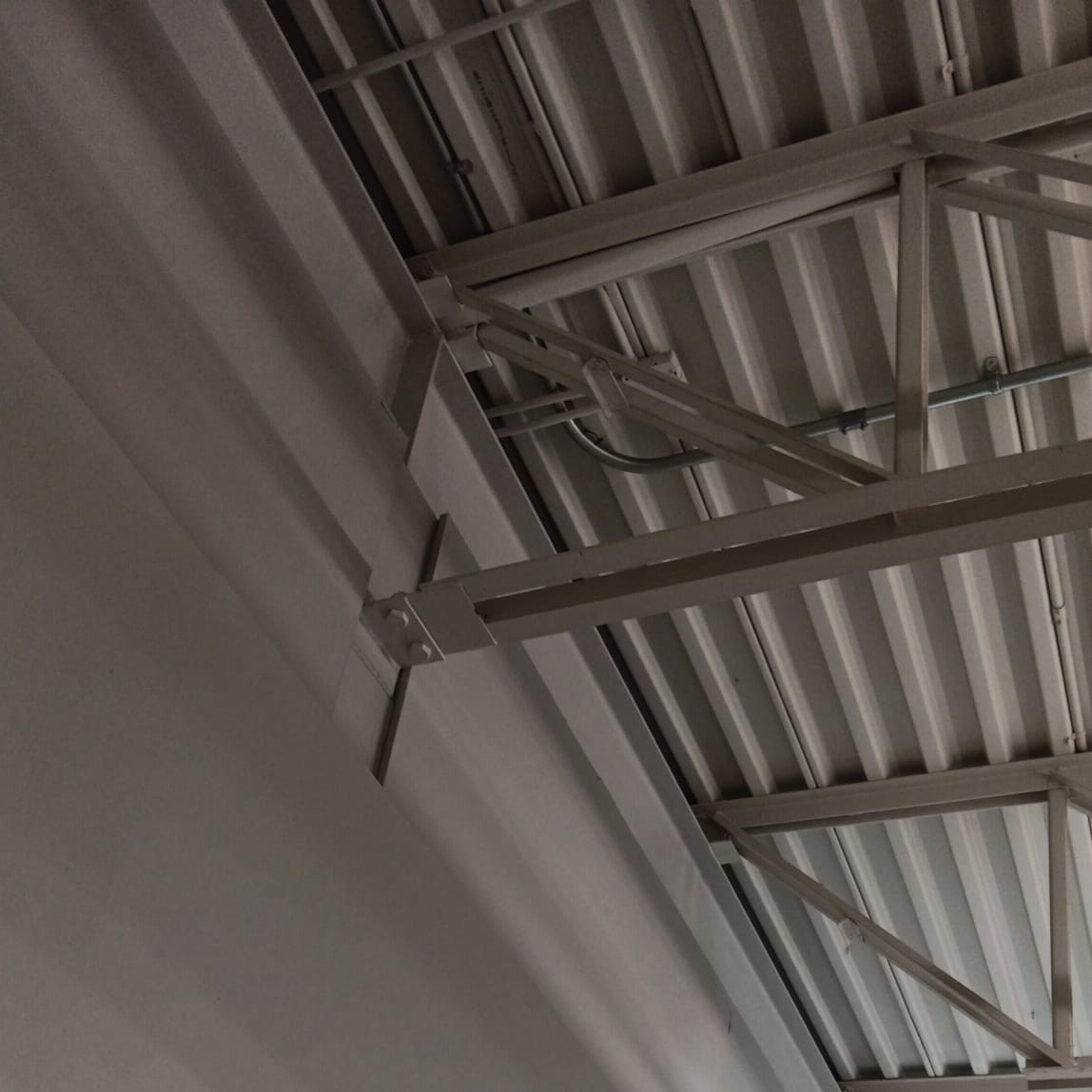
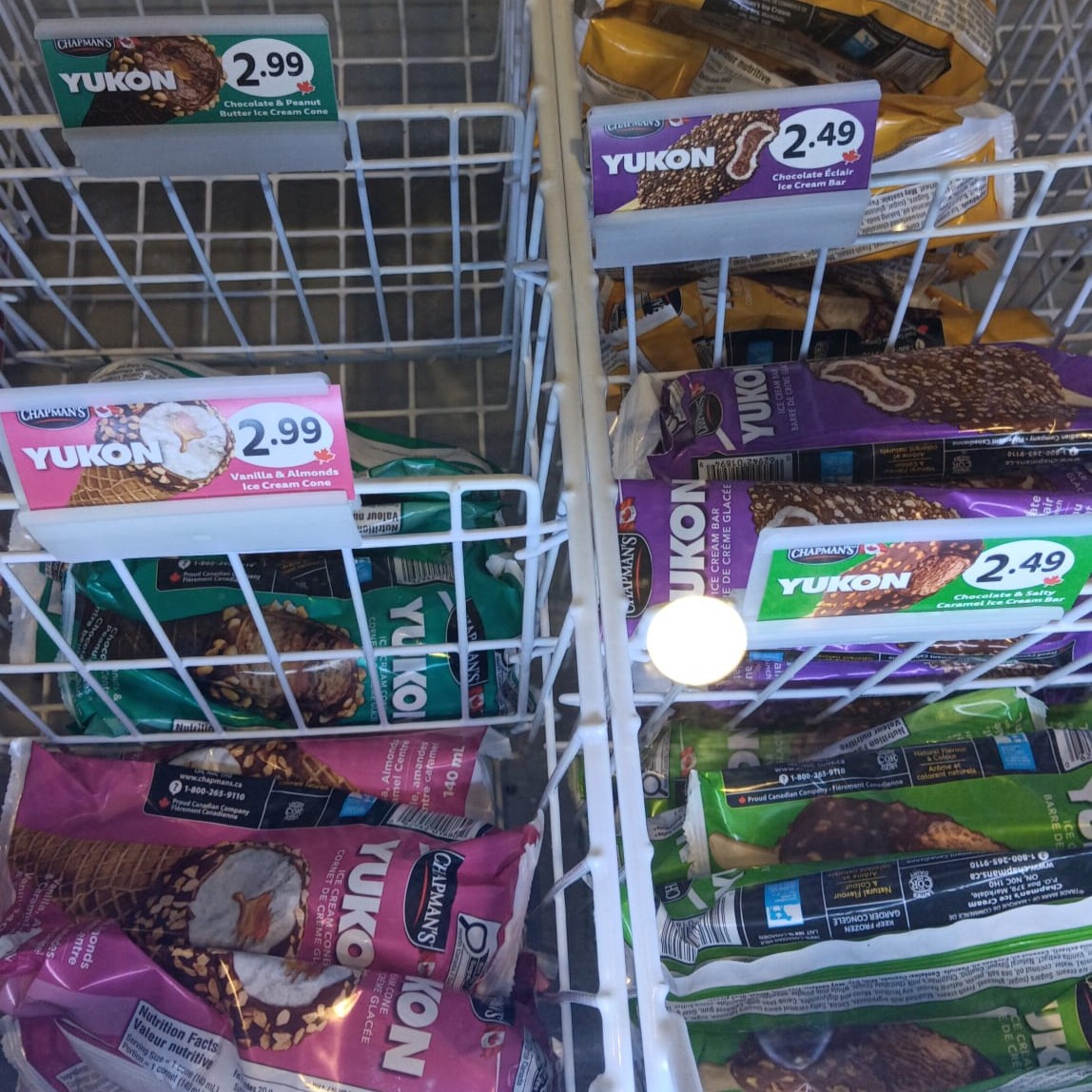
The vent emitted a low, continuous airflow hum. The sound remained steady and filled the background space. Ice Cream: The plastic wrapper made a crinkling sound as it was opened. Drawing a Star / Testing Pencils:
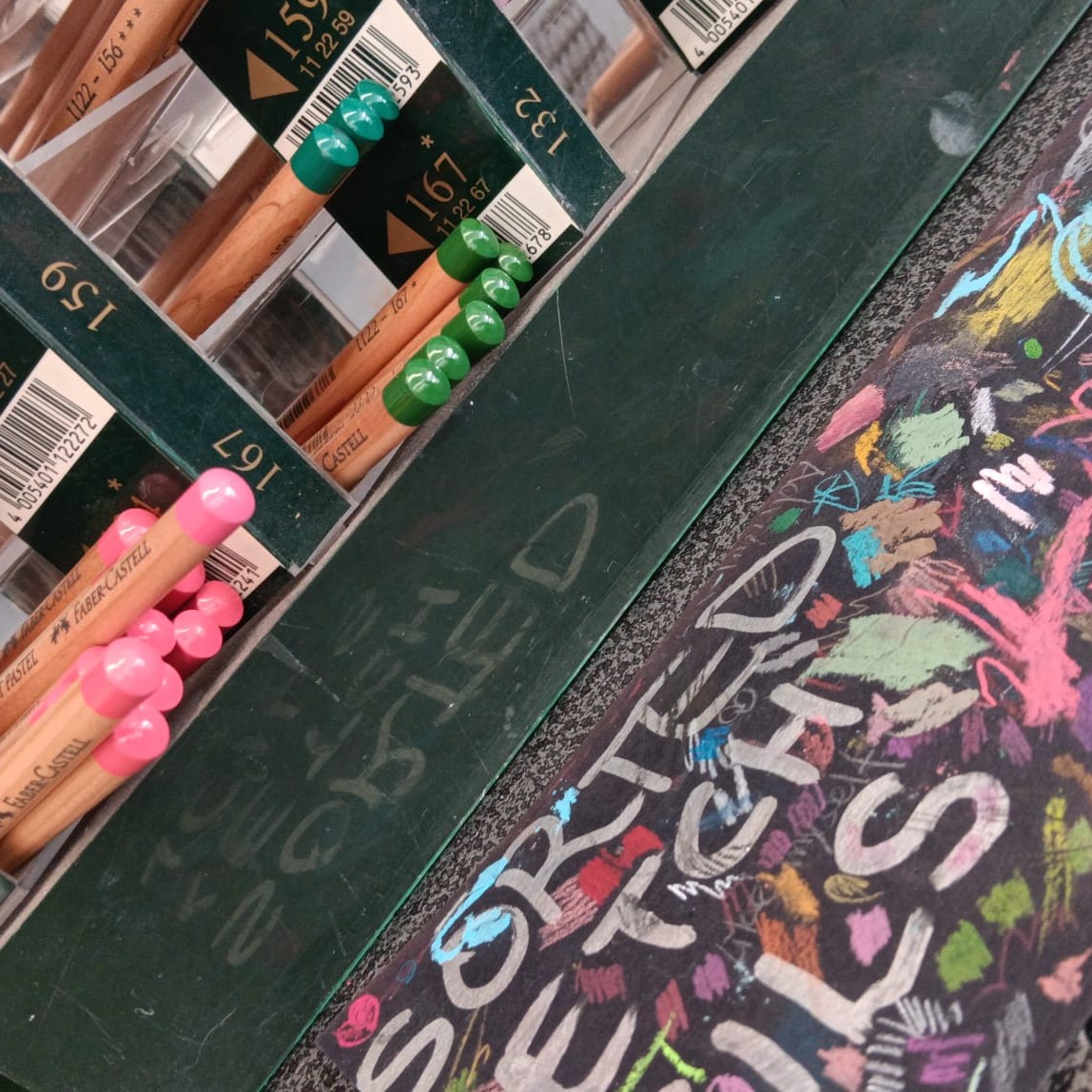
The pencil created a dry scratching sound as it moved across the paper. Increased pressure deepened the texture of the sound. Paper Flipping:
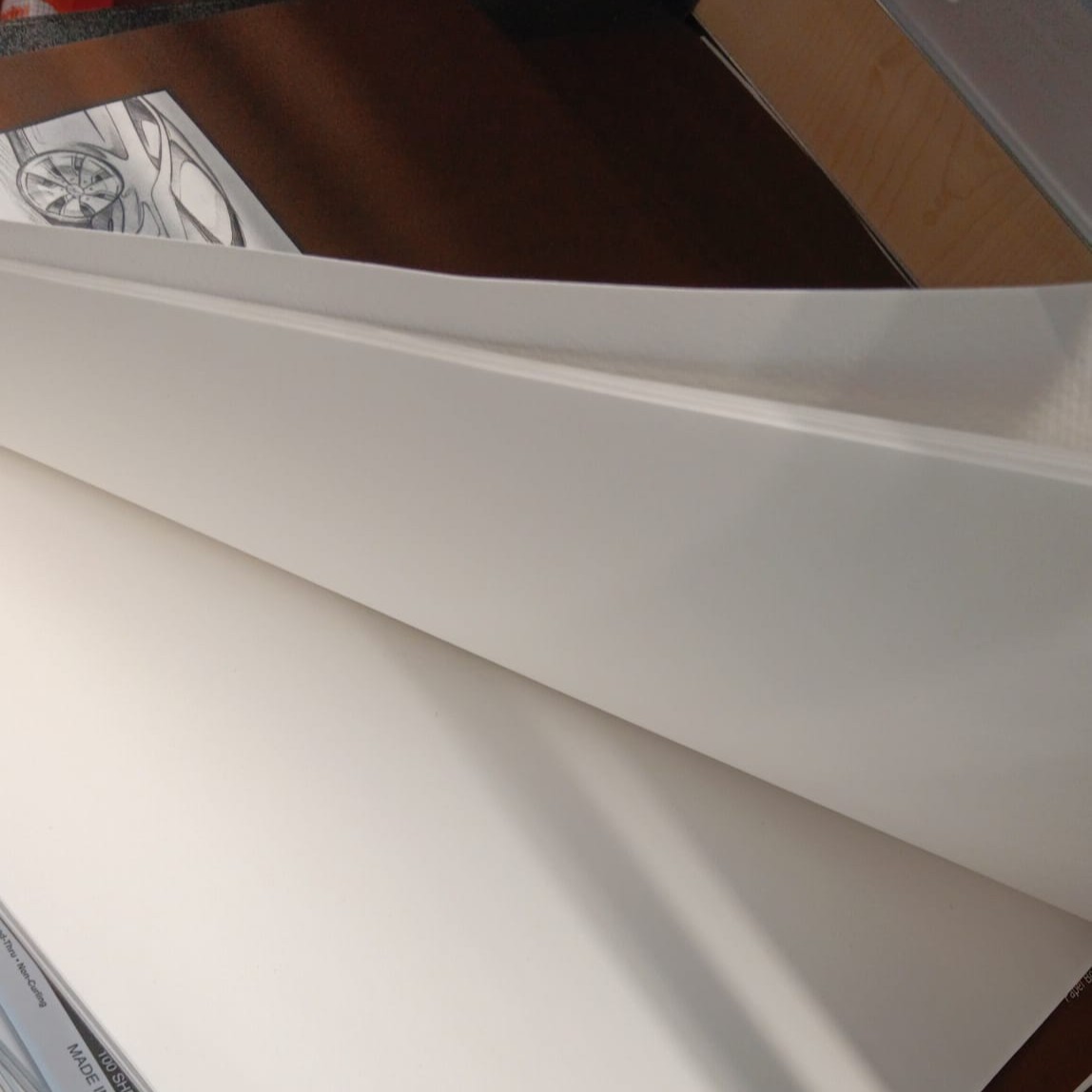
The pages produced a light swishing noise when turned. The sound was brief and airy. Thick Styrofoam:
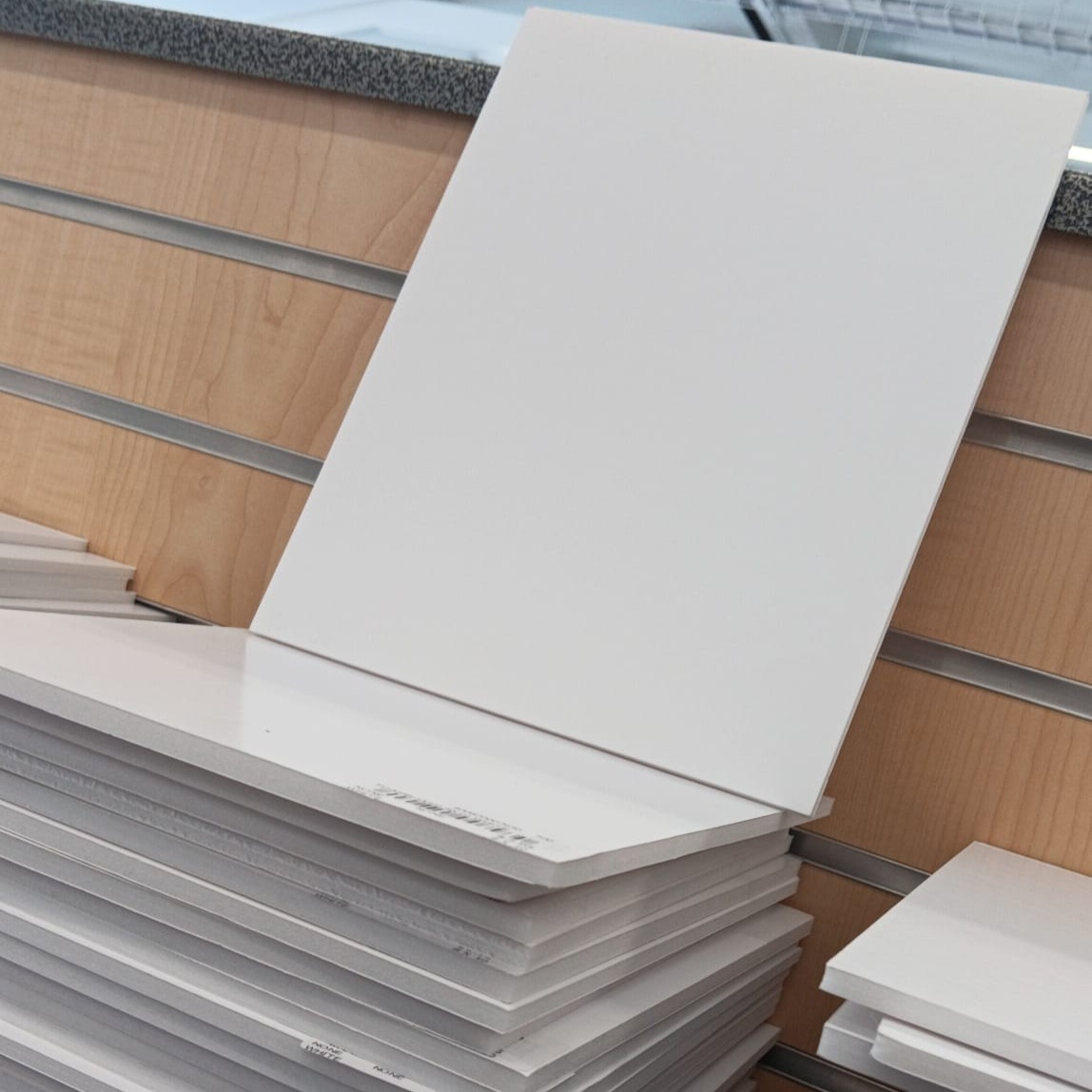
Pressing the styrofoam created a high-pitched squeaking friction. The sound was sharp and sustained with pressure. Cafeteria at the College:
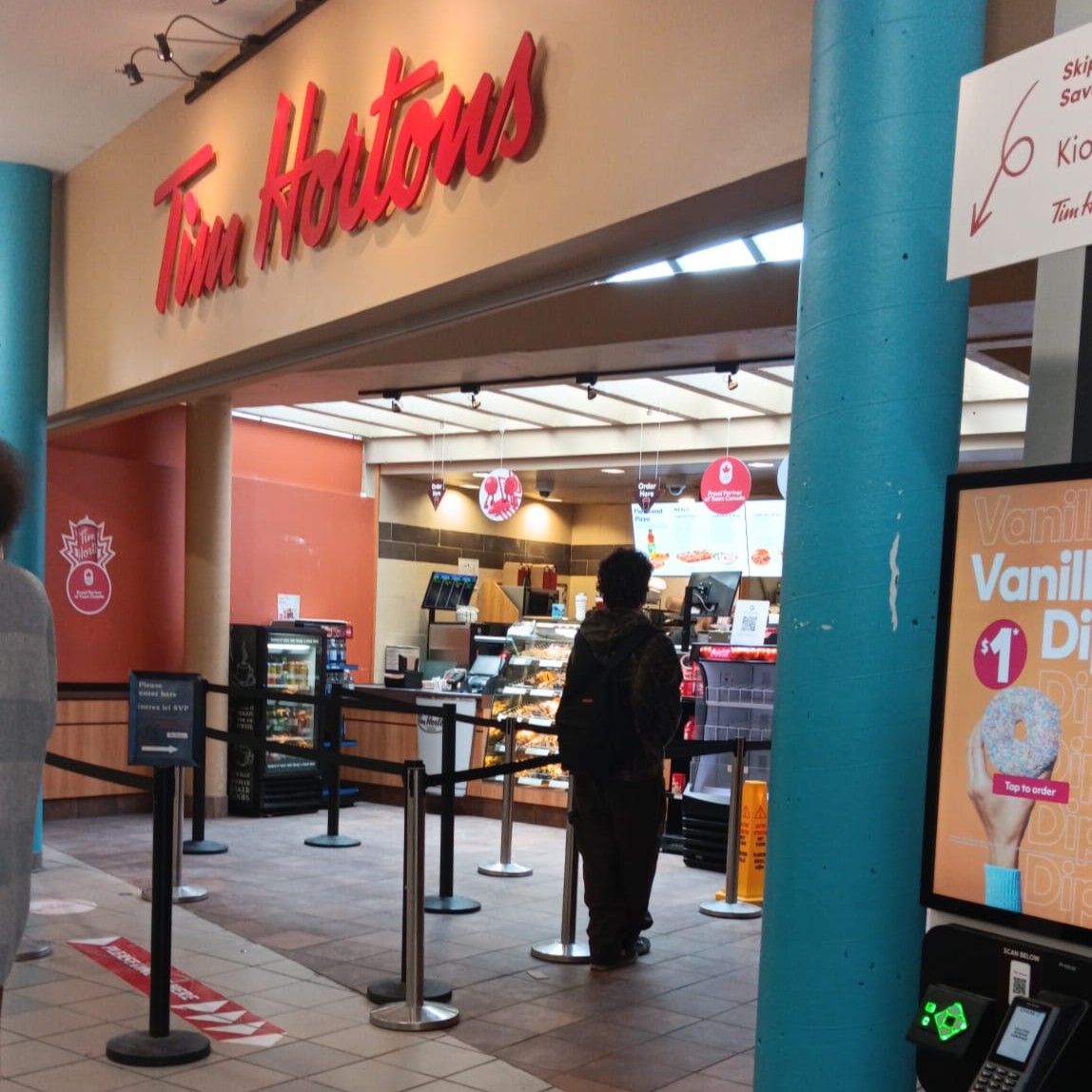
Voices, trays, and footsteps overlapped in layered bursts of sound. The environment produced a constantly shifting acoustic field. Tim Hortons at the College:
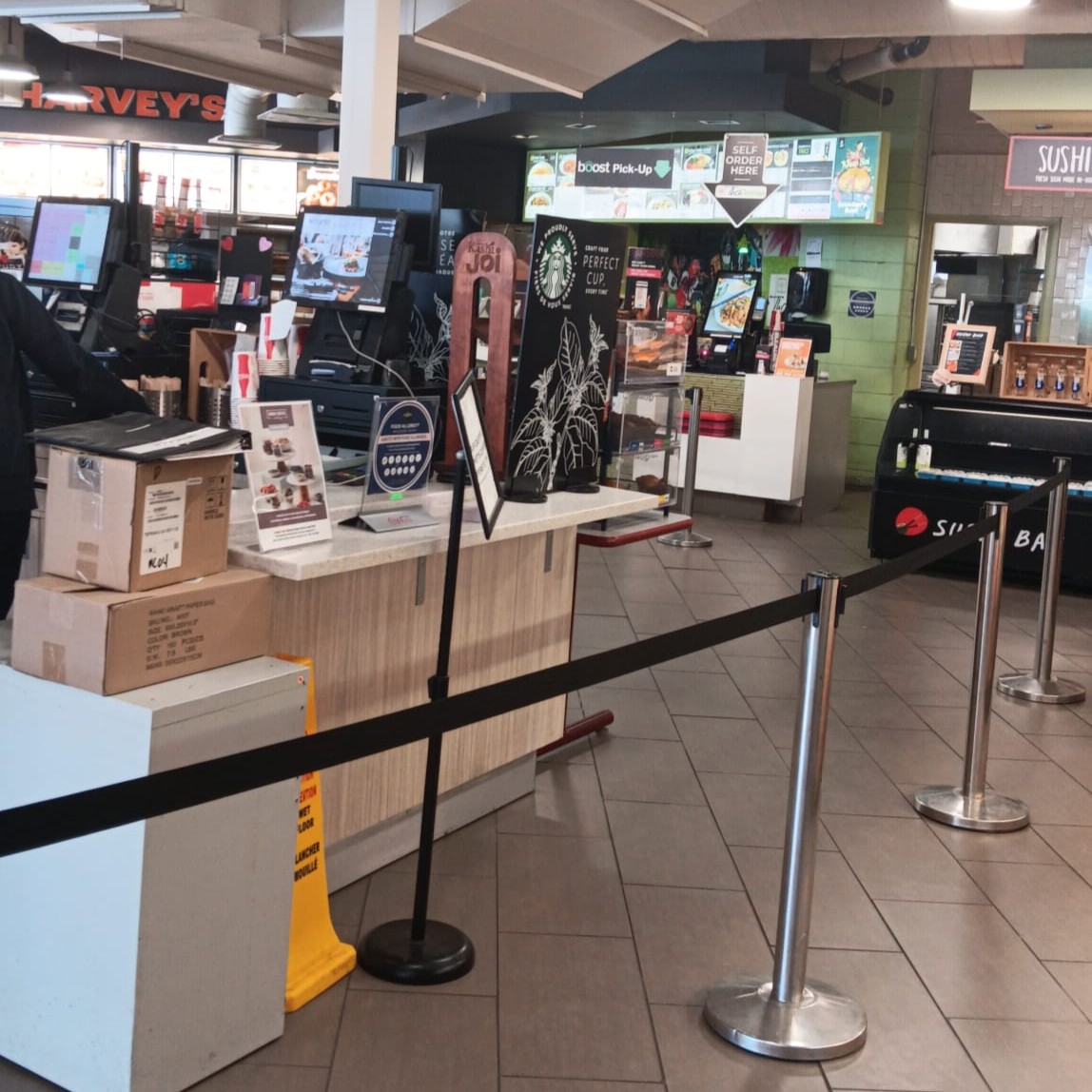
Steaming machines and conversation blended into a dense soundscape. The sounds were rhythmic and repetitive. B Wing at the College:
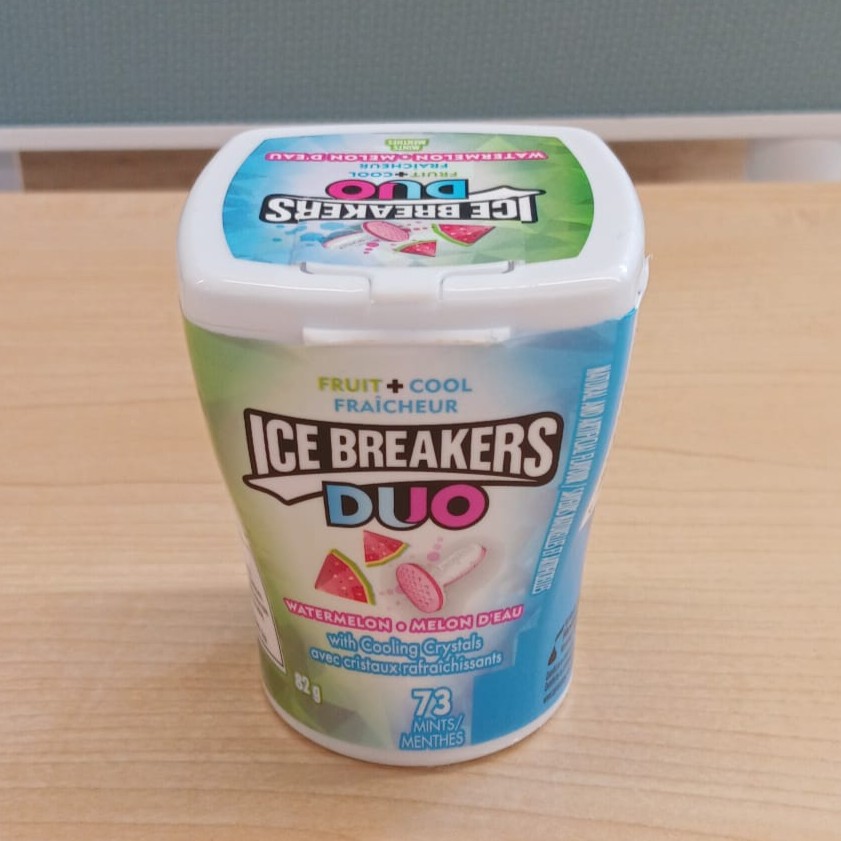
Footsteps and conversations echoed along the hallway walls. The sound traveled and lingered slightly before fading. Ice Breakers Breath Mints:
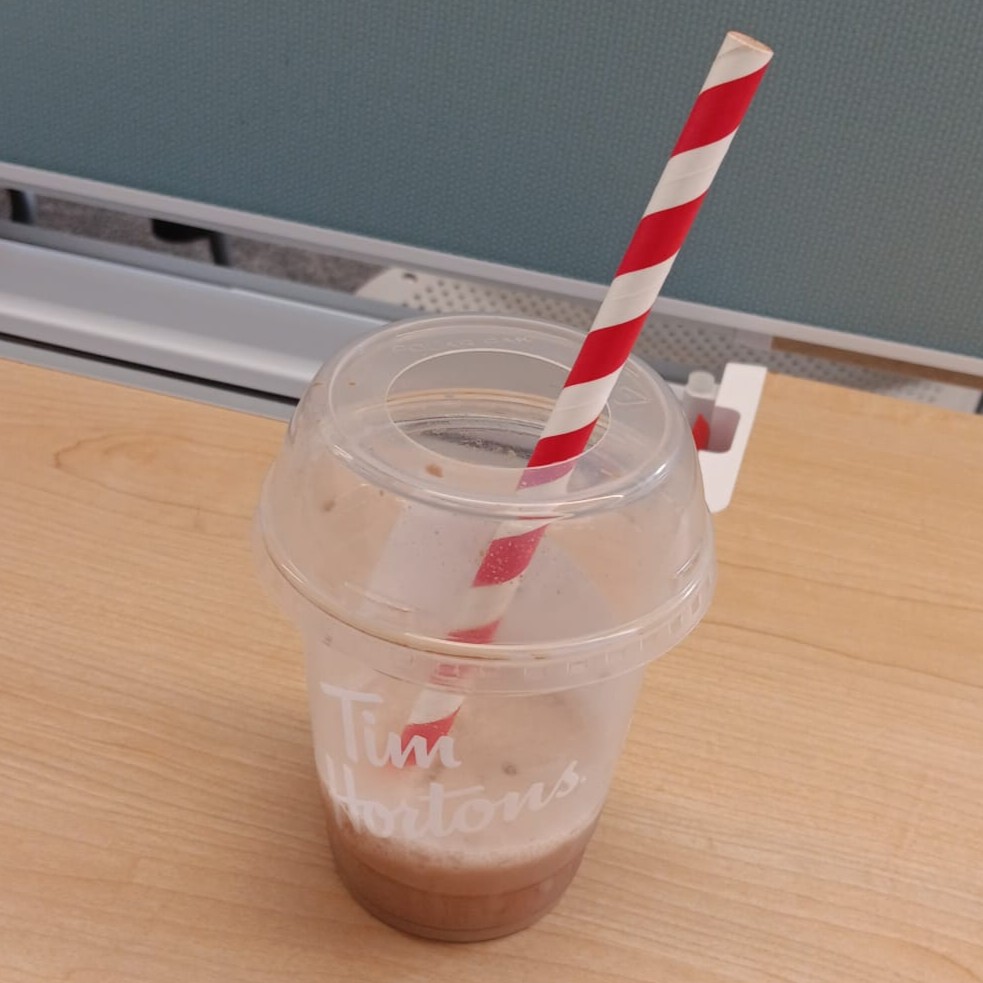
The lid snapped shut with a short, clean click. Shaking the container produced a light rattling sound. Tim Hortons Ice Capp (Taking a Sip):
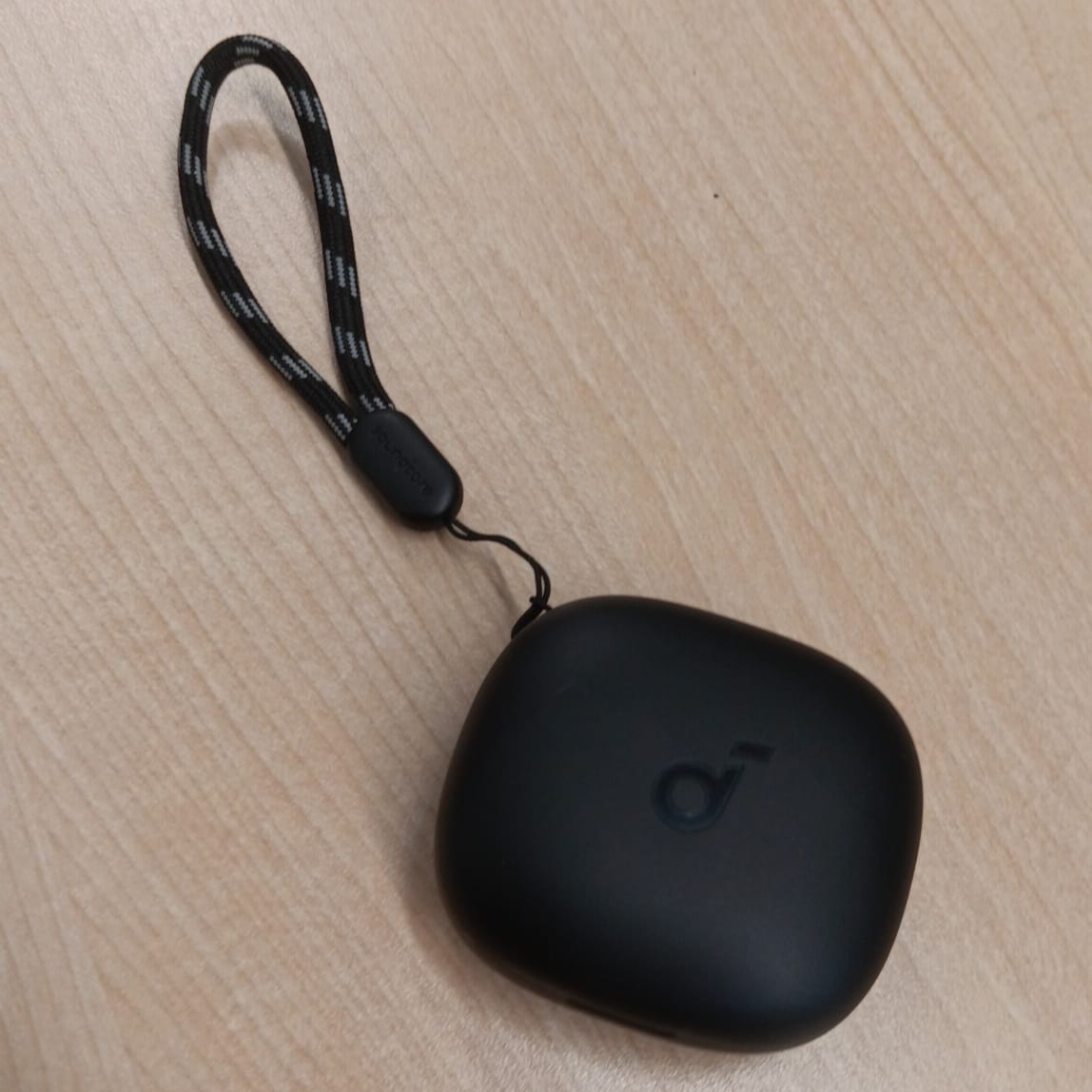
The straw made a hollow suction sound as the drink moved upward. Friend’s EarPods Closing:
The case snapped shut with a small magnetic click. The hinge made a subtle closing sound. The Bus:
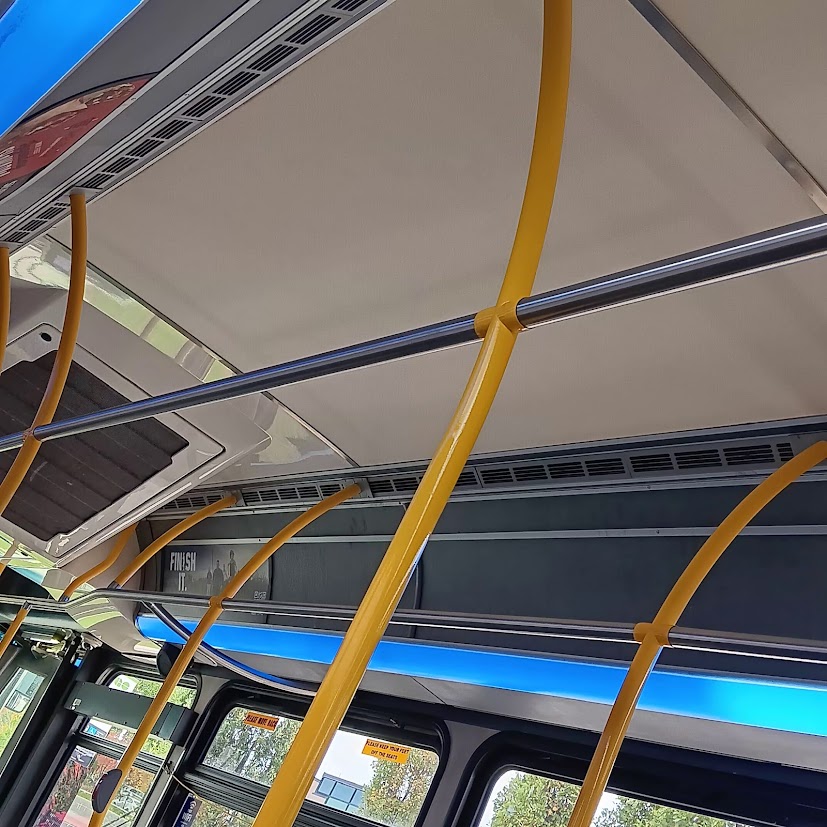
The engine produced a low, vibrating rumble while idling. My Locket:
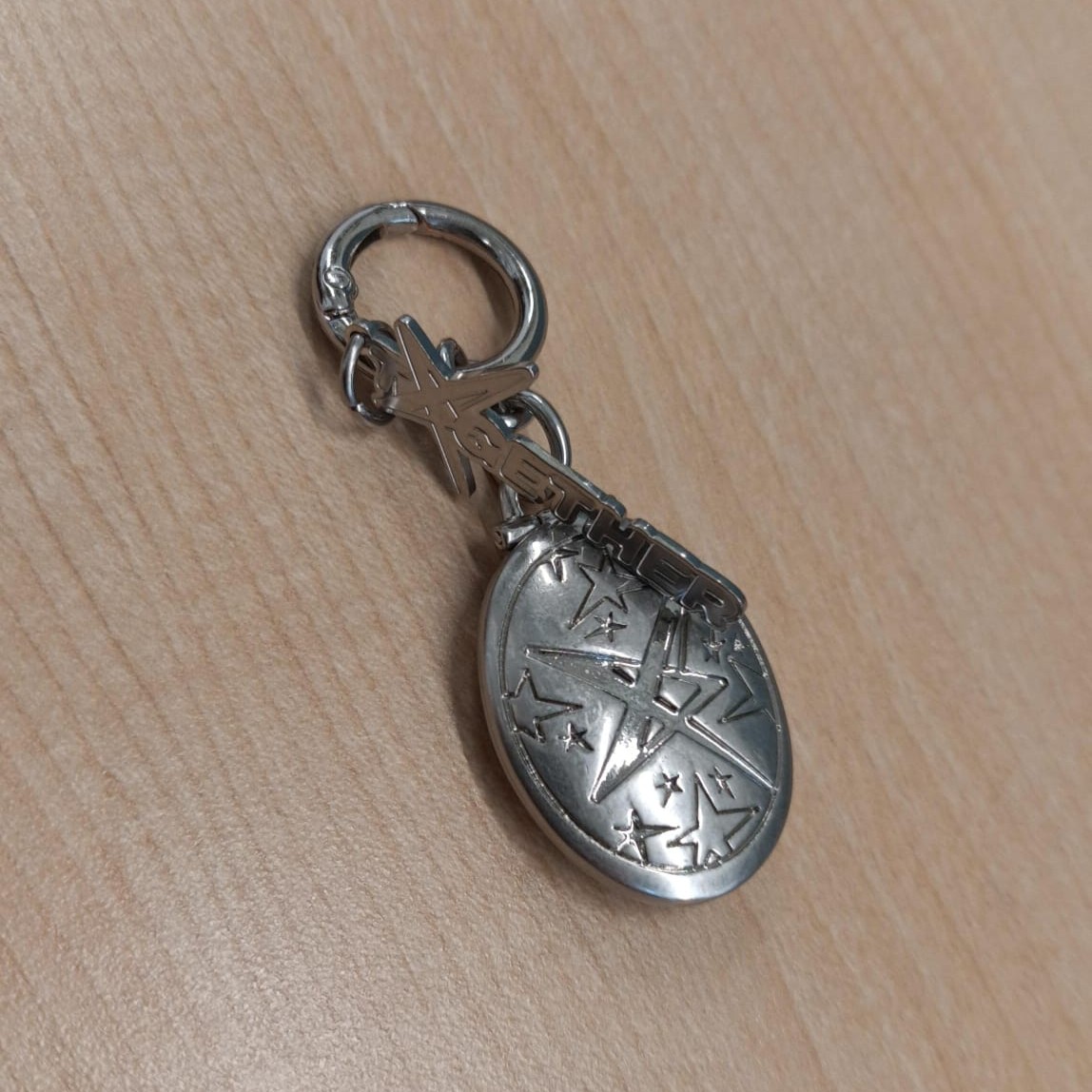
The clasp made a faint metallic click when opened. The chain shifted with a light scraping sound against itself. TXT Concert:
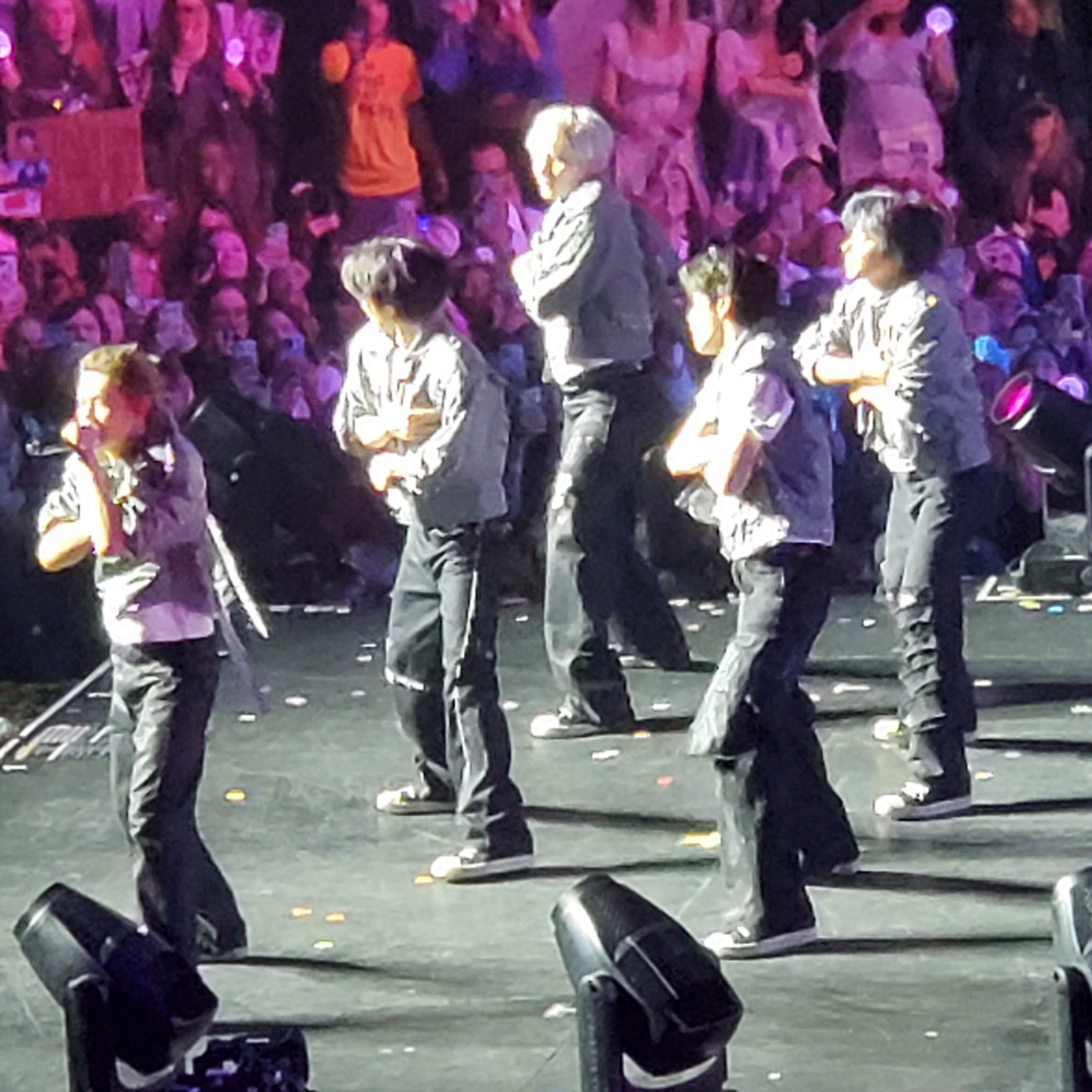
Crowd cheers layered into a continuous wave of sound. Bass frequencies from the speakers vibrated through the floor. My Shoes Dragging While Walking:
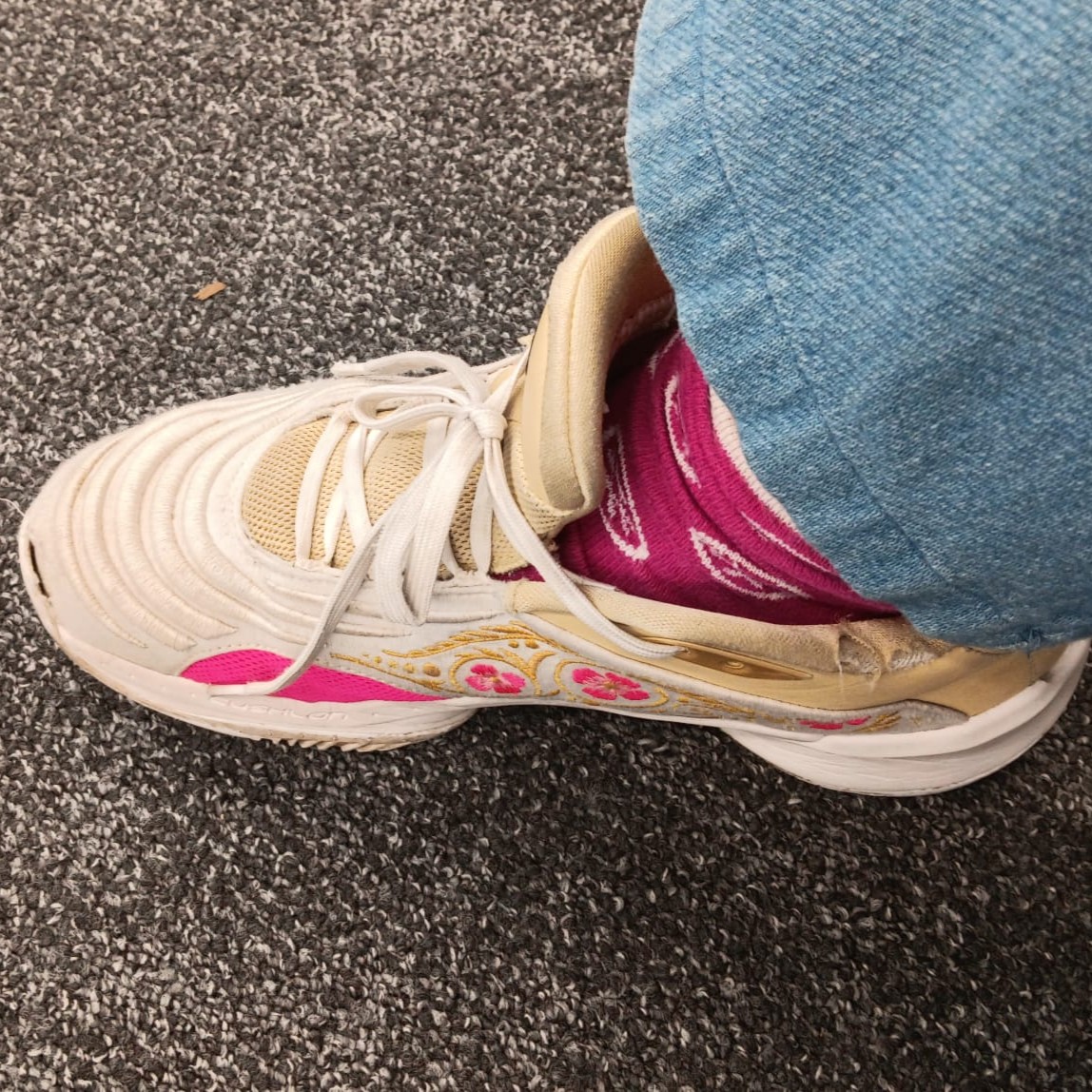
The soles scraped against the floor in a soft dragging sound. The friction created a slow, uneven rhythm. TV Remote:
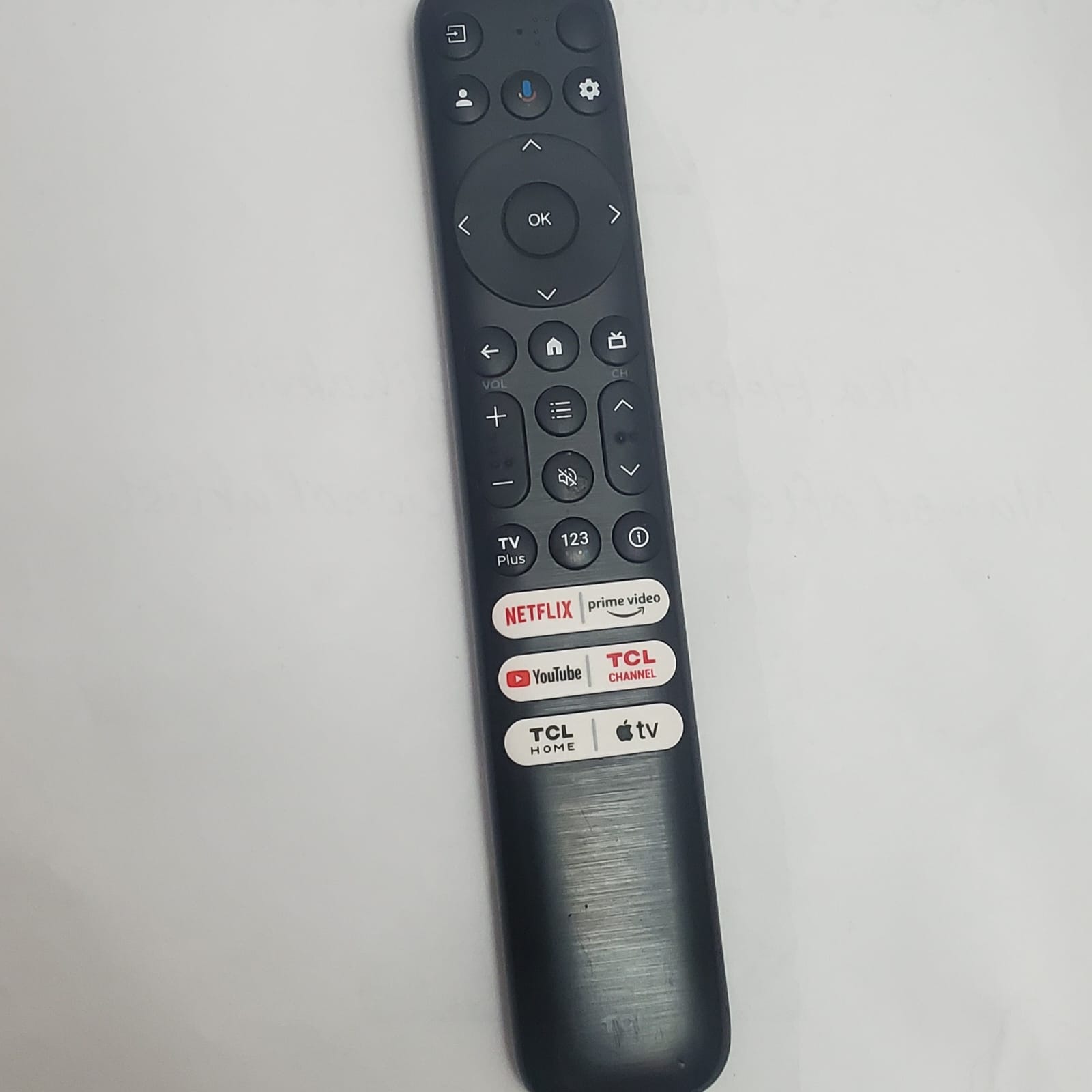
The buttons made muted rubber clicks when pressed. The plastic casing shifted slightly in my hand. Pen Clicking Open and Closed:
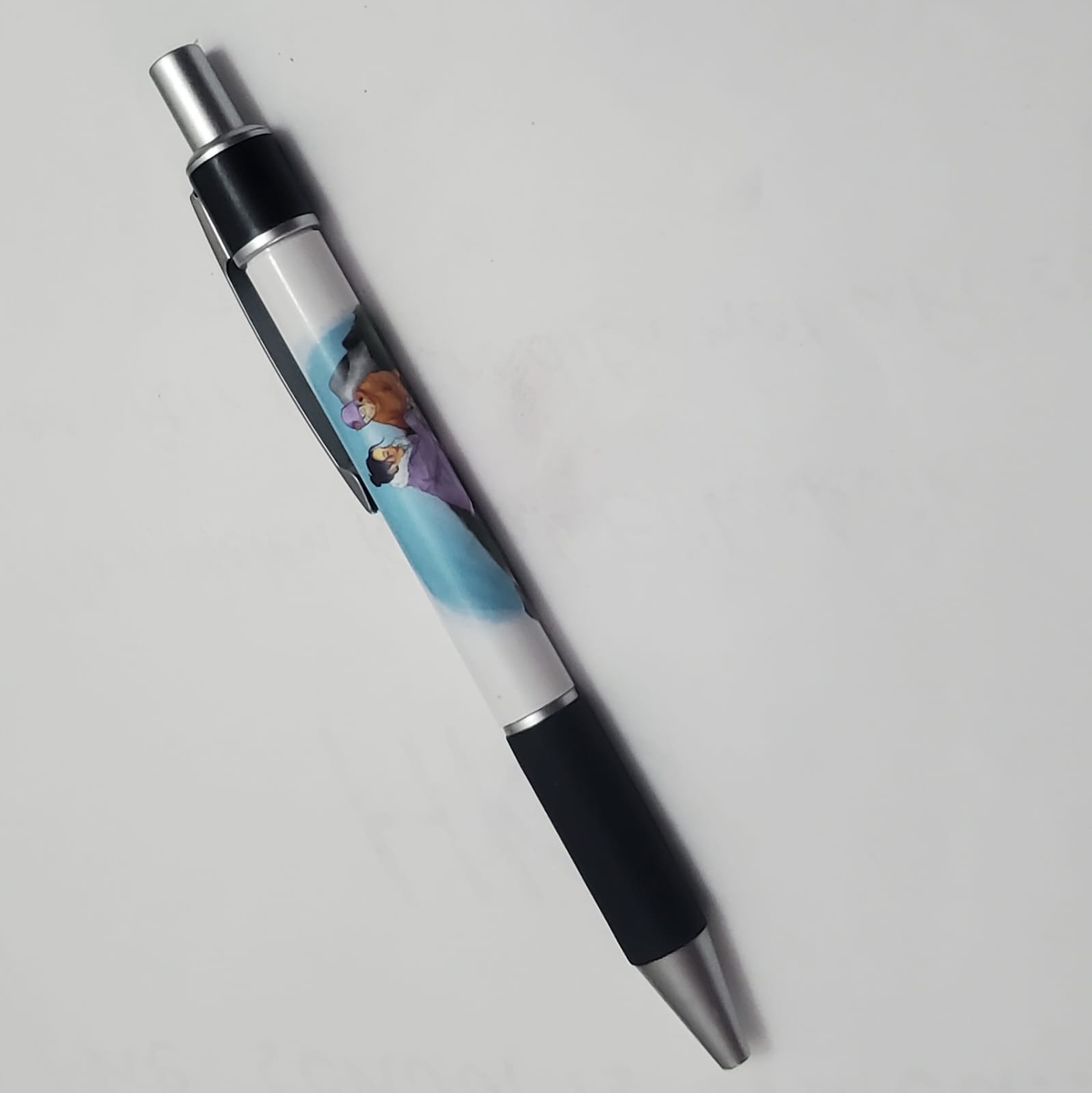
The pen made a sharp clicking sound each time it was pressed. Repeating the motion created a steady, mechanical rhythm. Purple Nail Polish Bottle:
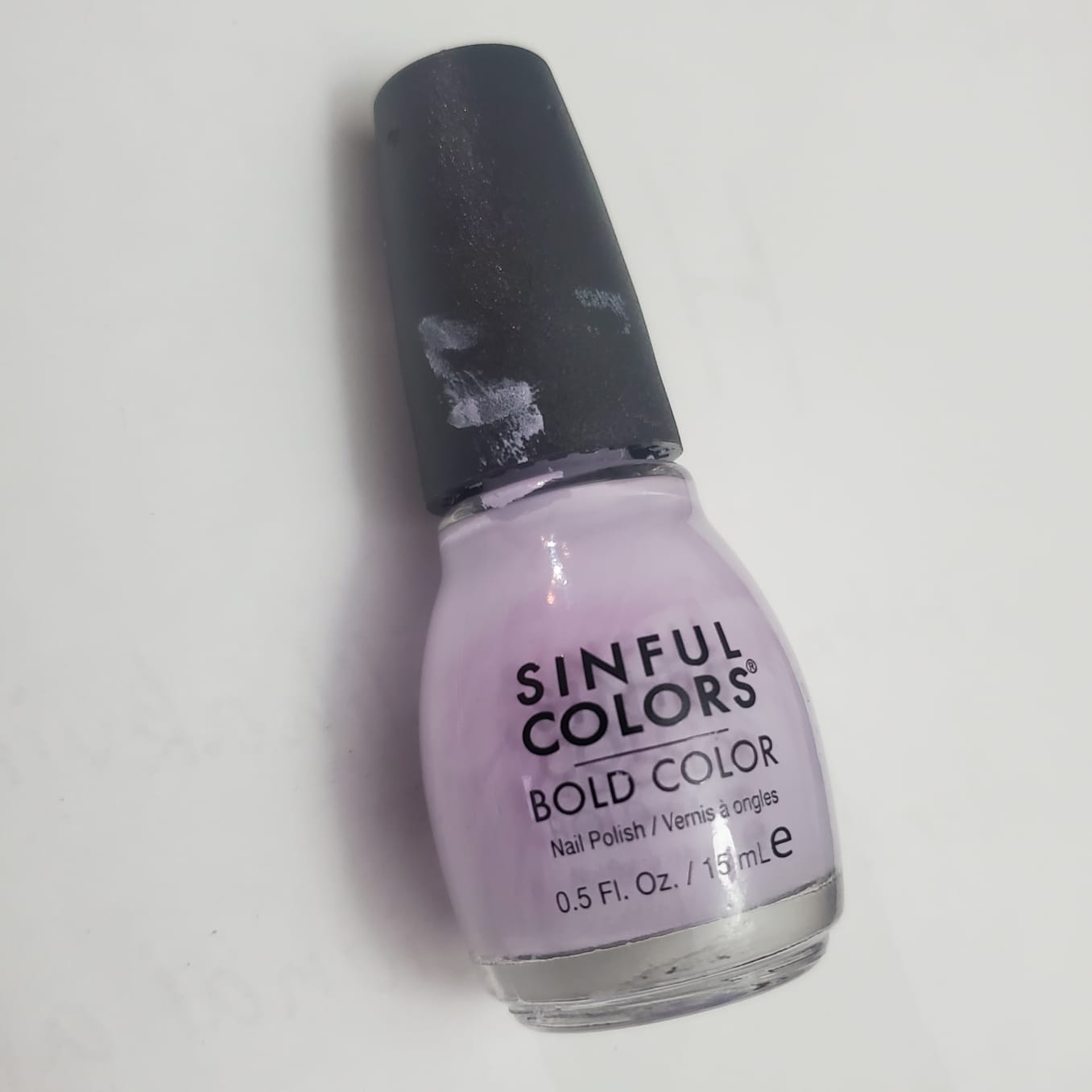
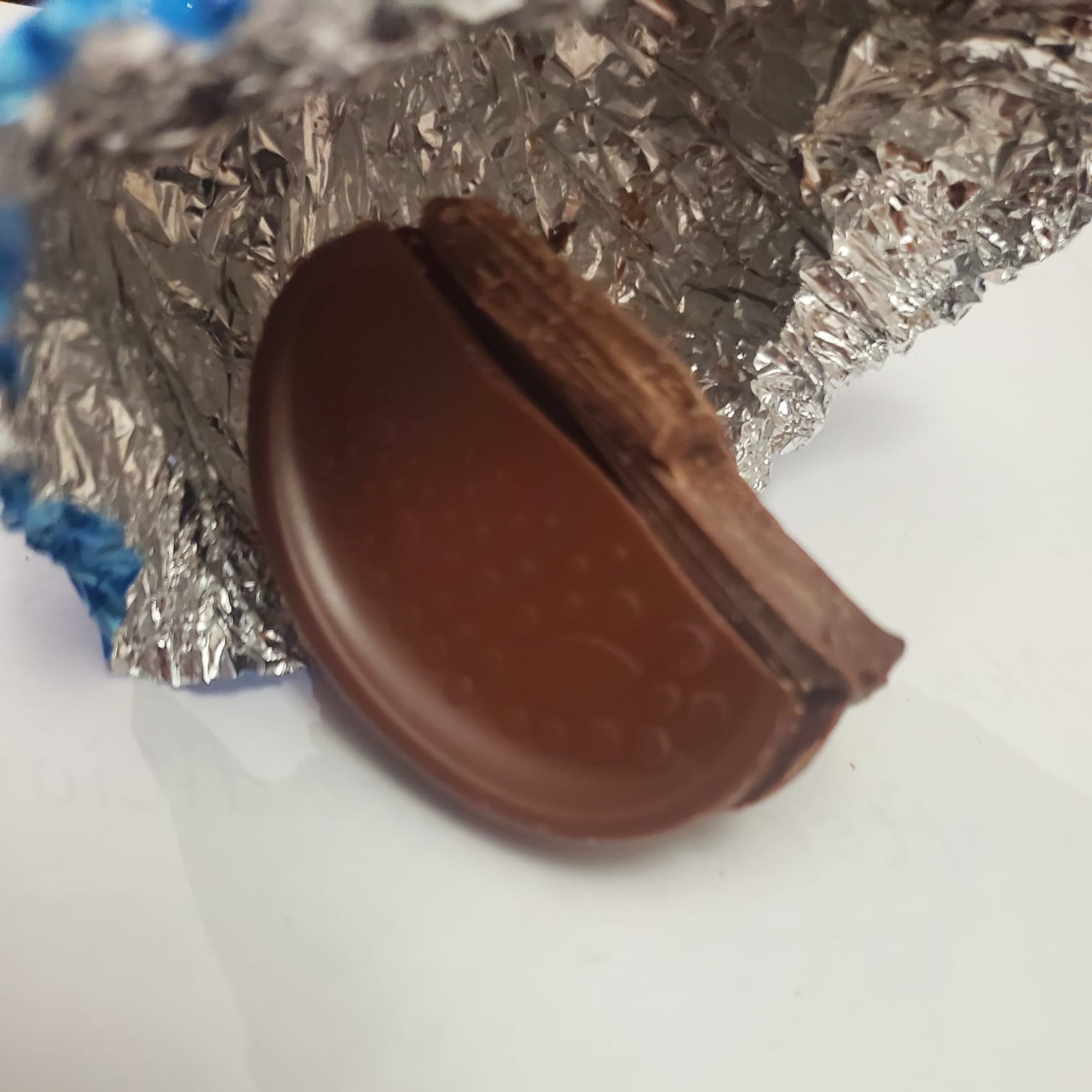
The cap twisted open with a small plastic turning sound. The brush made a soft stroke against the inside of the bottle. Chocolate Orange:
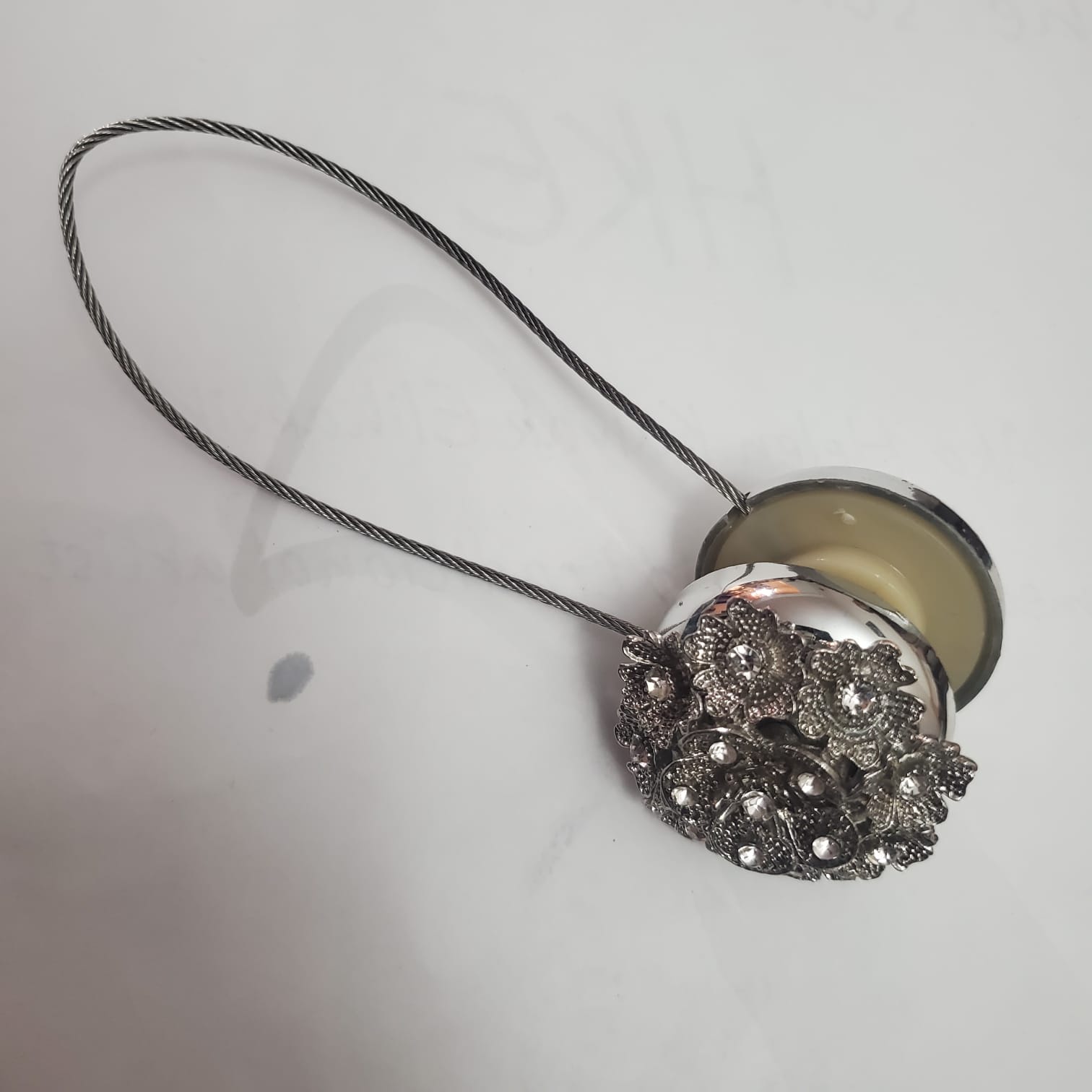
Breaking the segments apart produced a sharp snapping sound. The foil wrapper crinkled loudly when handled. Curtain Magnet (Tieback Magnet):
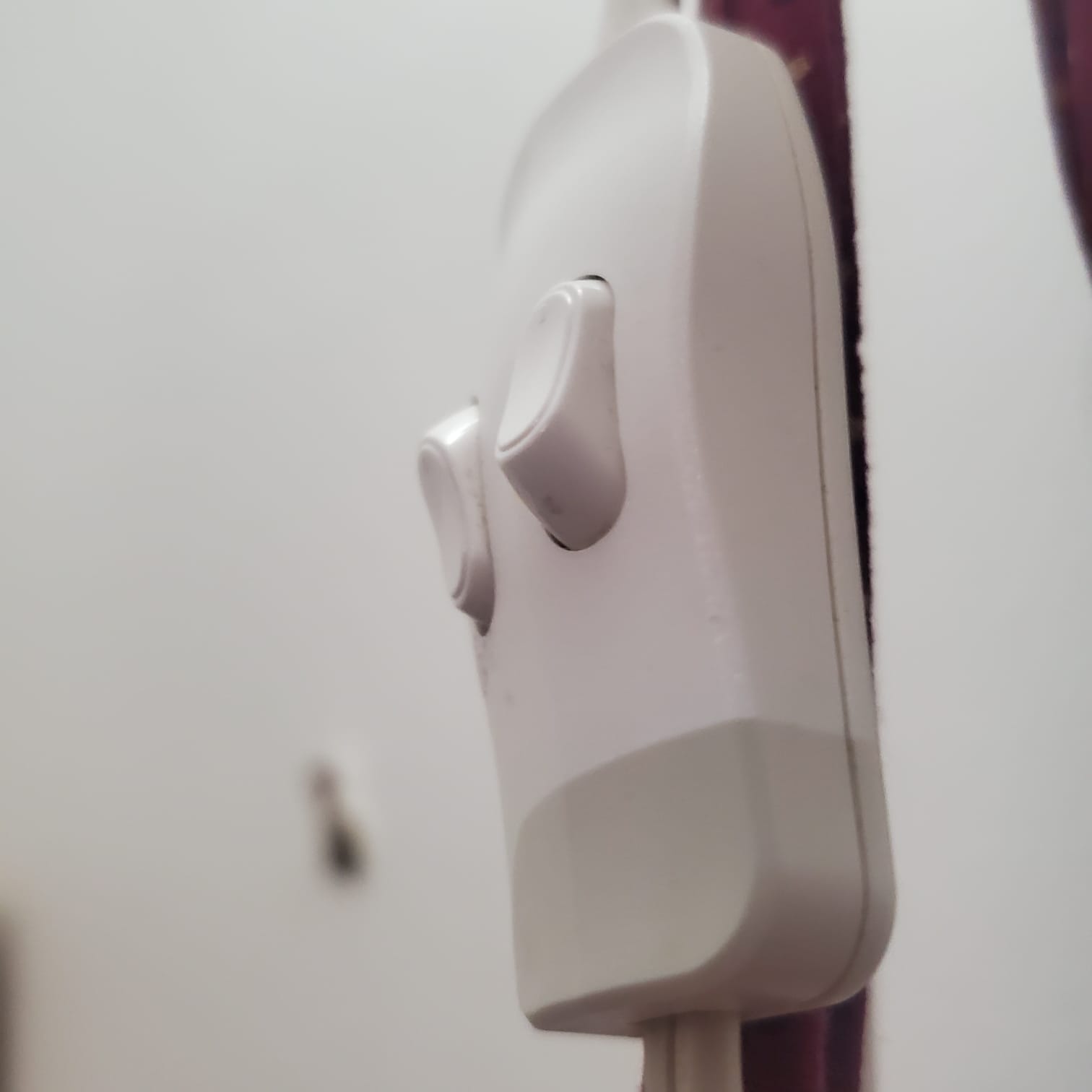
The two magnetic pieces snapped together with a hard, quick click. Pulling them apart created a faint separating sound. Lamp Light Switch:
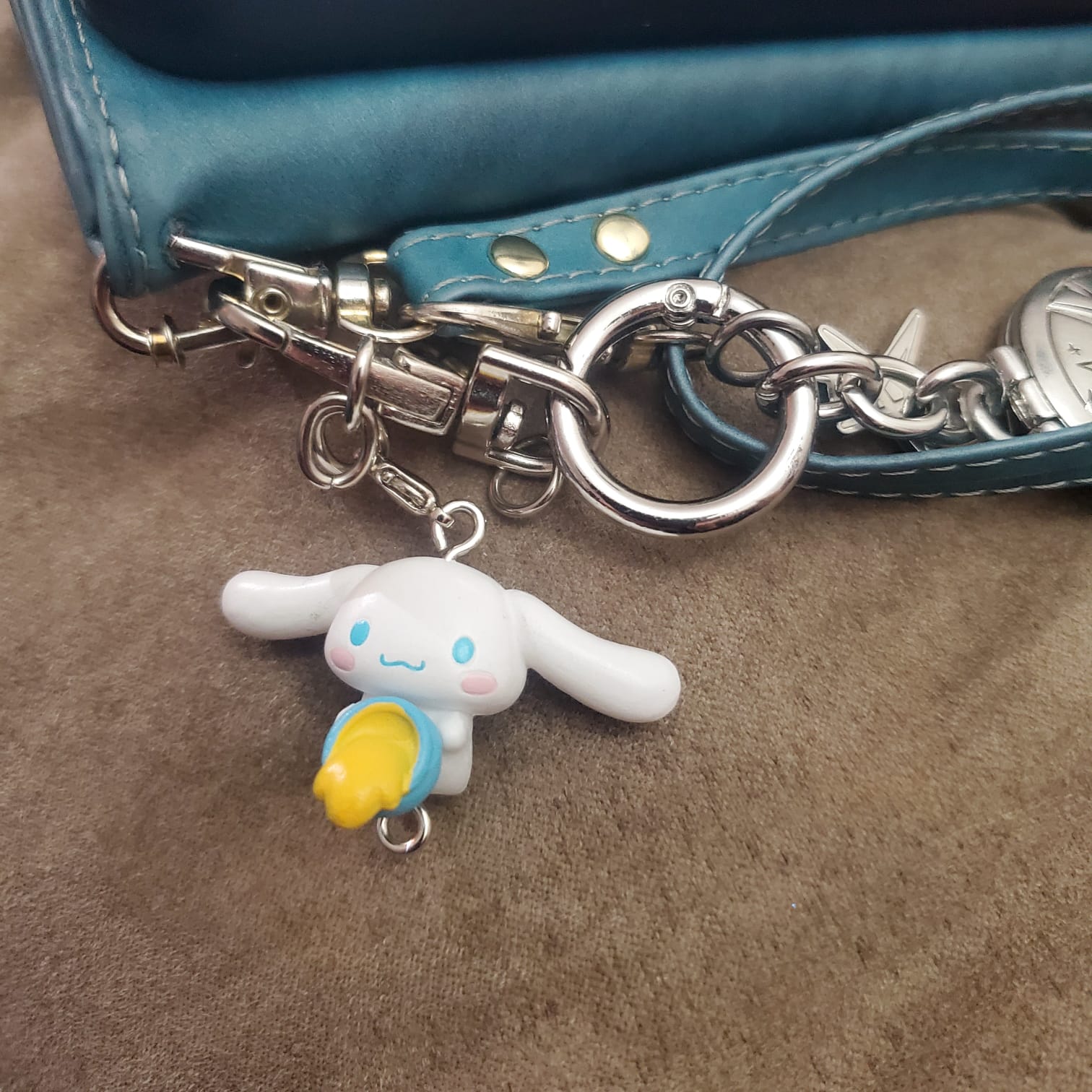
The switch flipped with a short mechanical click. The sound was brief and precise. Cute Keychains on My Phone:
The small charms tapped lightly against my phone as it moved. The metal rings made clink sounds when they touched.

Activity 2
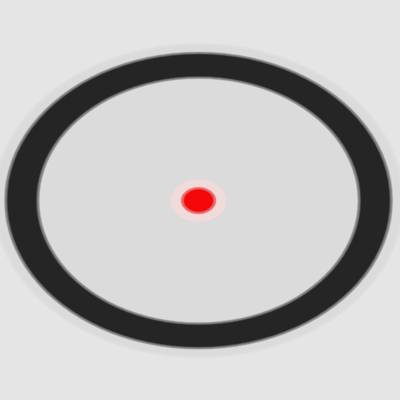
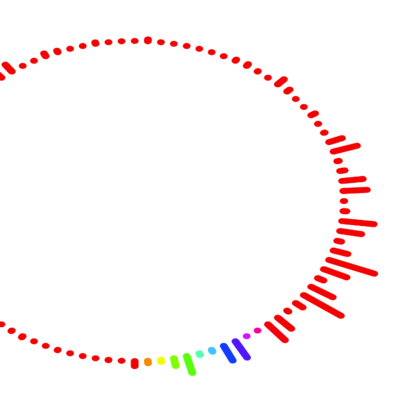
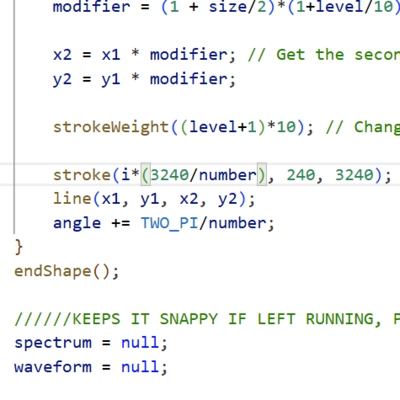
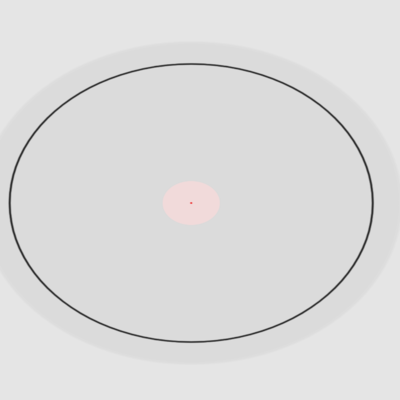
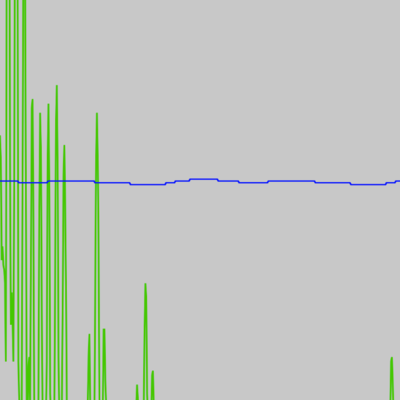
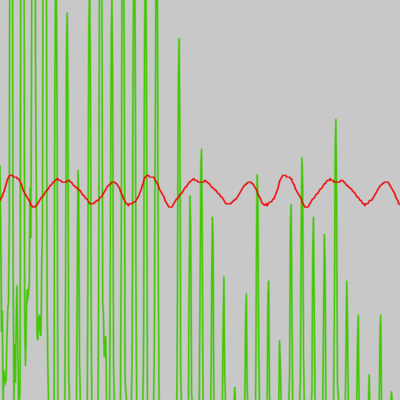
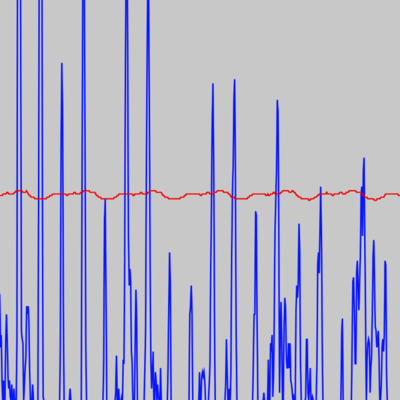
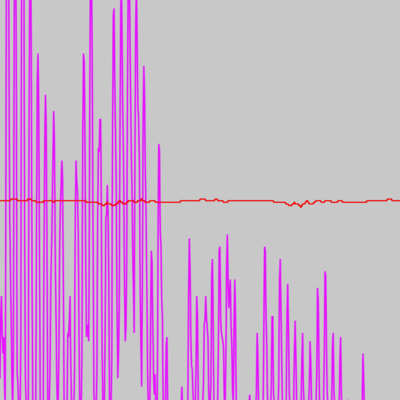
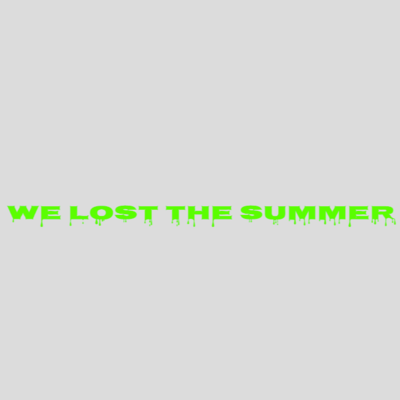
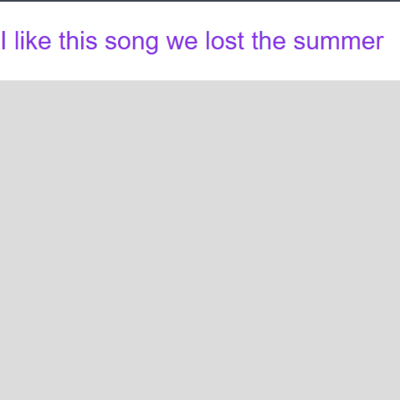
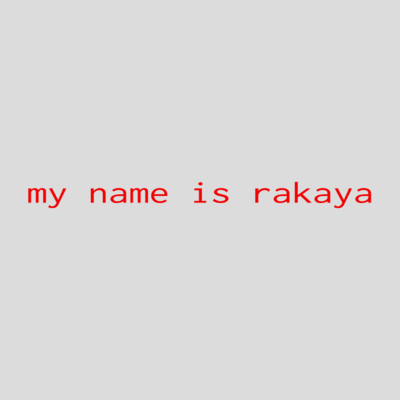
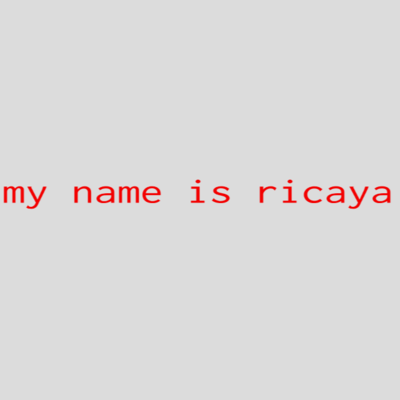
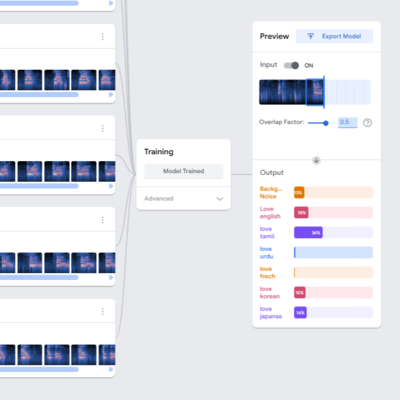
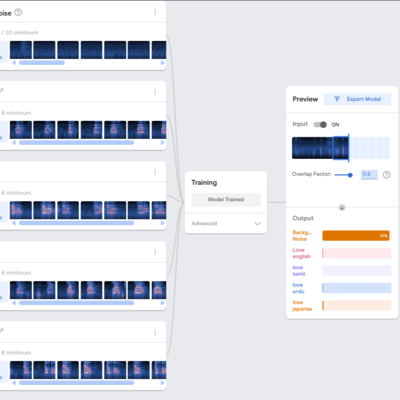
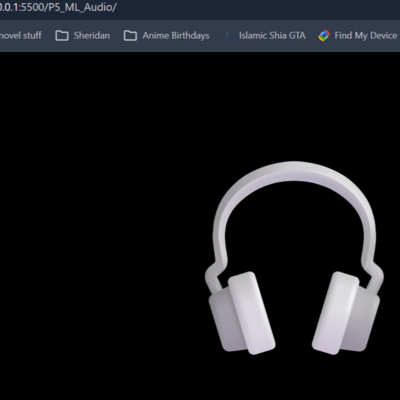
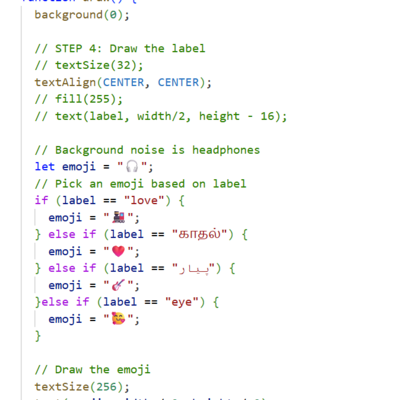
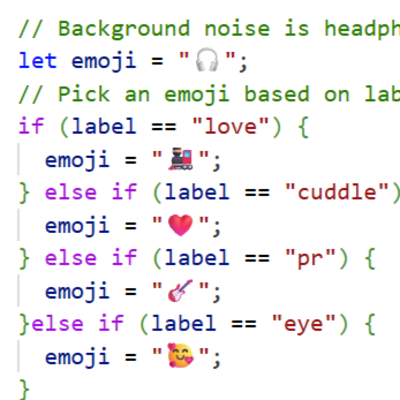
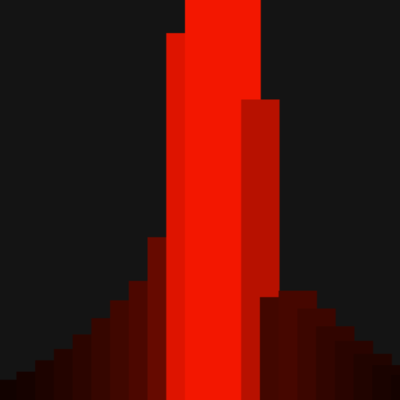
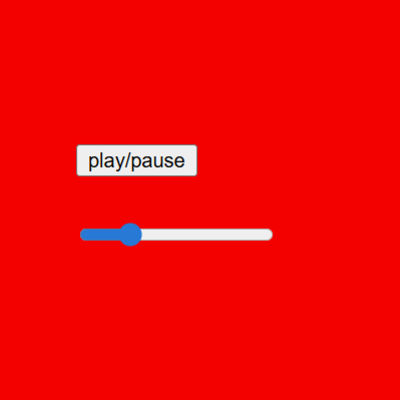
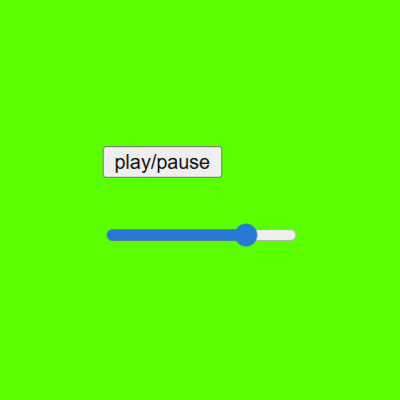
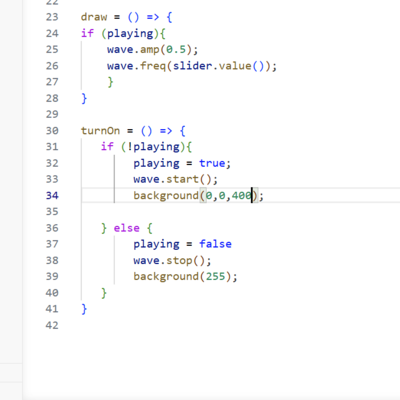
I experimented with color changes, making most of the circular waveform red to see how different color choices affected the visual emphasis of the sound visualization. I adjusted the stroke size and color values in the code to explore how line thickness influences the clarity of the circular waveform. This experiment shows one example of changing the stroke weight to see how thicker lines affect the overall appearance of the circular audio visualization. This experiment shows one example of changing the stroke weight to see how thicker lines affect the overall appearance of the circular audio visualization. I experimented with the waveform colors by changing the main waveform from red to green to observe how color affects readability and contrast. In this test, I modified the secondary waveform color from blue to red to see how overlapping waveforms interact visually. I adjusted the waveform color again, changing it from green to blue to continue exploring color contrast and visual clarity. I changed the waveform color from blue to magenta to test how more vibrant colors affect the visual energy of the audio visualization. I experimented with the speech-to-text feature by modifying colors and fonts to see how the visual styling affects readability of the generated text. In this experiment, I changed the font style, alignment, and CSS properties to explore how text direction and formatting affect the display of speech-to-text output. I tested the limits of the speech-to-text system and discovered it primarily recognizes English, which caused difficulty correctly capturing my name. I repeated the speech-to-text test and noticed that different pronunciations of my name produced different translations on screen, showing how sensitive the system is to speech patterns. In this experiment, I explored color commands in speech input. I was surprised that the system could generate unexpected colors such as turquoise when spoken aloud. I experimented with speech-based movement commands such as “up,” “down,” “left,” and “right.” I attempted to draw a broken heart shape through voice commands, although the system experienced some lag. My younger cousins interacted with the program and experimented with drawing shapes such as the number five or the letter “S,” demonstrating how users could play with the system. I continued testing color-changing commands through speech input, confirming that the program could successfully change colors when the correct words were detected. I experimented with Teachable Machine and tested six different languages to see whether multilingual recognition would work within the system. I suspected the system was experiencing lag due to processing multiple languages, so I removed two languages to see if the performance would improve. This test displays the emoji that appears when a specific word is detected. Although it did not function consistently for me, it was interesting to explore the visual feedback. I attempted to improve the speech recognition by adding additional languages directly into the code. I also tried adding words that sounded similar to the intended commands to see if phonetic variations would improve recognition, but this approach did not work. In this experiment, the red visual element responds dynamically to sound input, lighting up in relation to the volume of the audio. I added a slider control to adjust the volume of the sound. Moving the slider to the right decreases the sound level, while moving it to the left increases it. I tested color changes linked to playback state, where the interface color would disappear or turn white when the audio was paused. This image shows the section of code responsible for changing colors, demonstrating how the program could be modified to produce different visual outputs such as neon blue.

Project 2


Final Project 2 Design

P5 Interactive Audio Web Header Portfolio

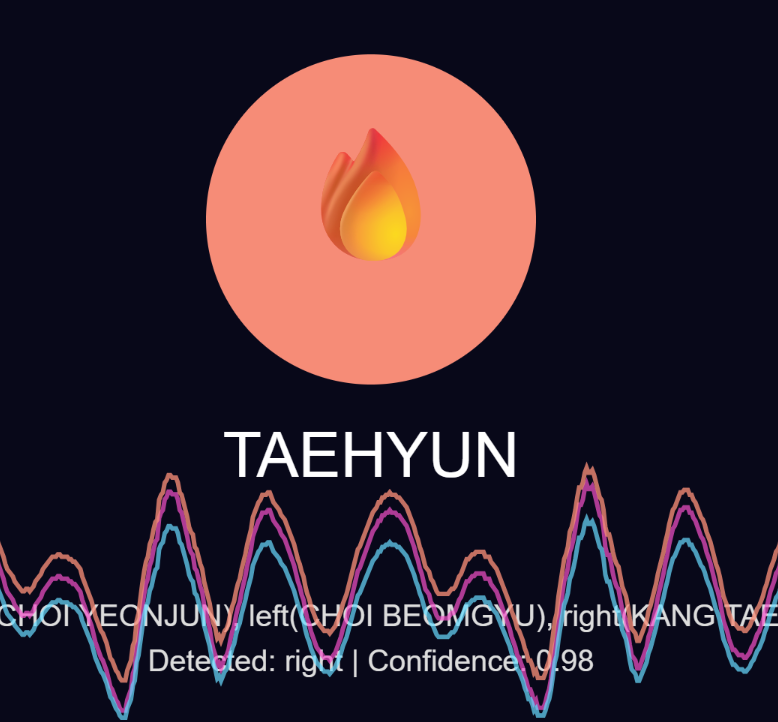
This project explores how sound and voice interaction can recreate the energy of K-pop fanchants in a playful digital experience. By speaking into the microphone, users can trigger visuals, text, and sounds that respond in real time, turning the audience into active participants.

Click here to see it working on my server
Image

×

Powered by w3.css